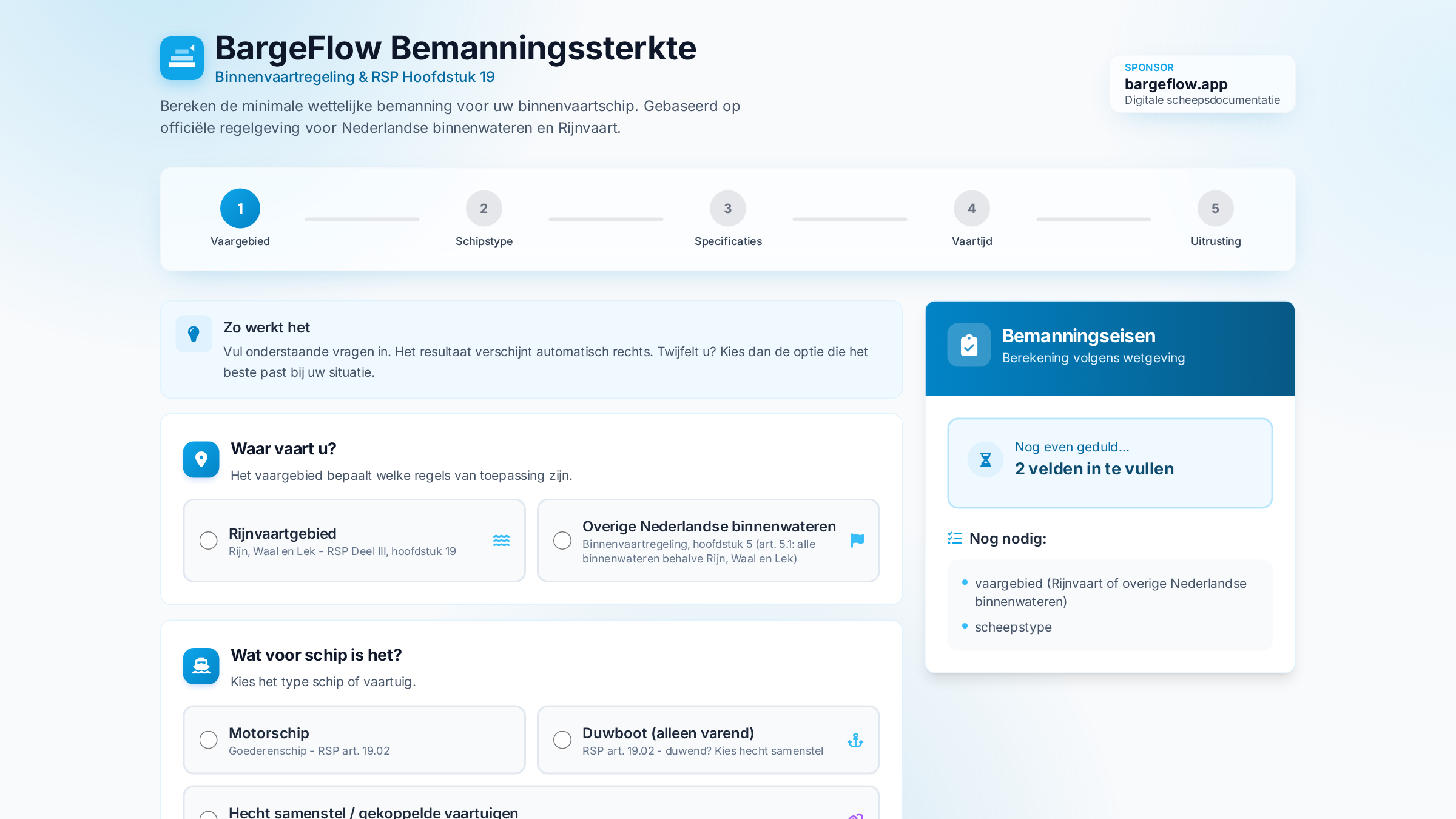
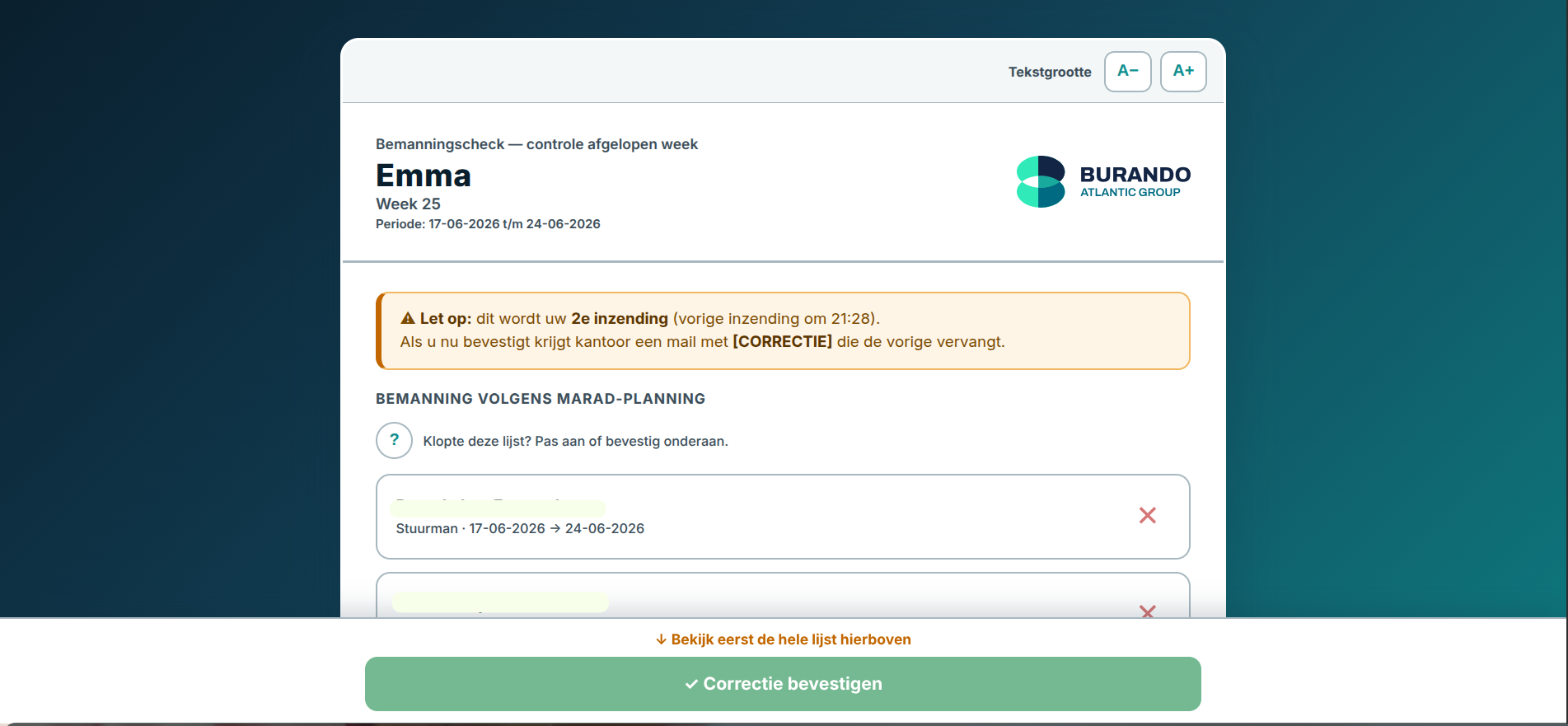
I'm an inland shipping captain and a software developer. Not a coincidental combination: it's exactly why these tools work in practice and not just on paper.
My work happens largely on board, in a rhythm of two weeks on, two weeks off. I don't know the paperwork from a manual — I fill it in myself, on the bridge, while the ship keeps sailing. And that's where it began. Out of frustration. Macros in an Excel file that collapse at the wrong moment. A bunker receipt that has to be legally correct but is retyped by hand. Planning, crewing and sailing hours scattered across loose files no one can make sense of anymore.
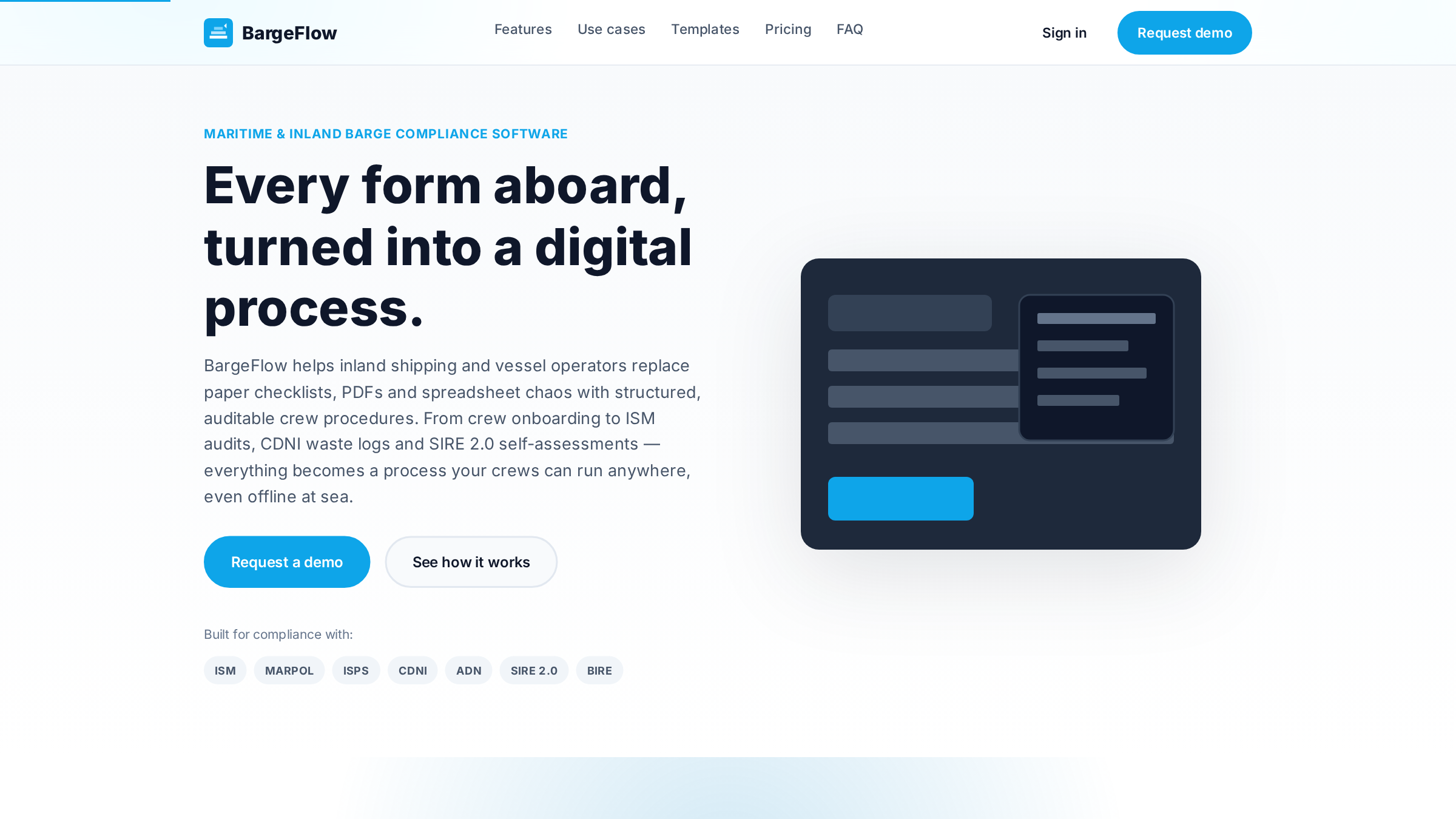
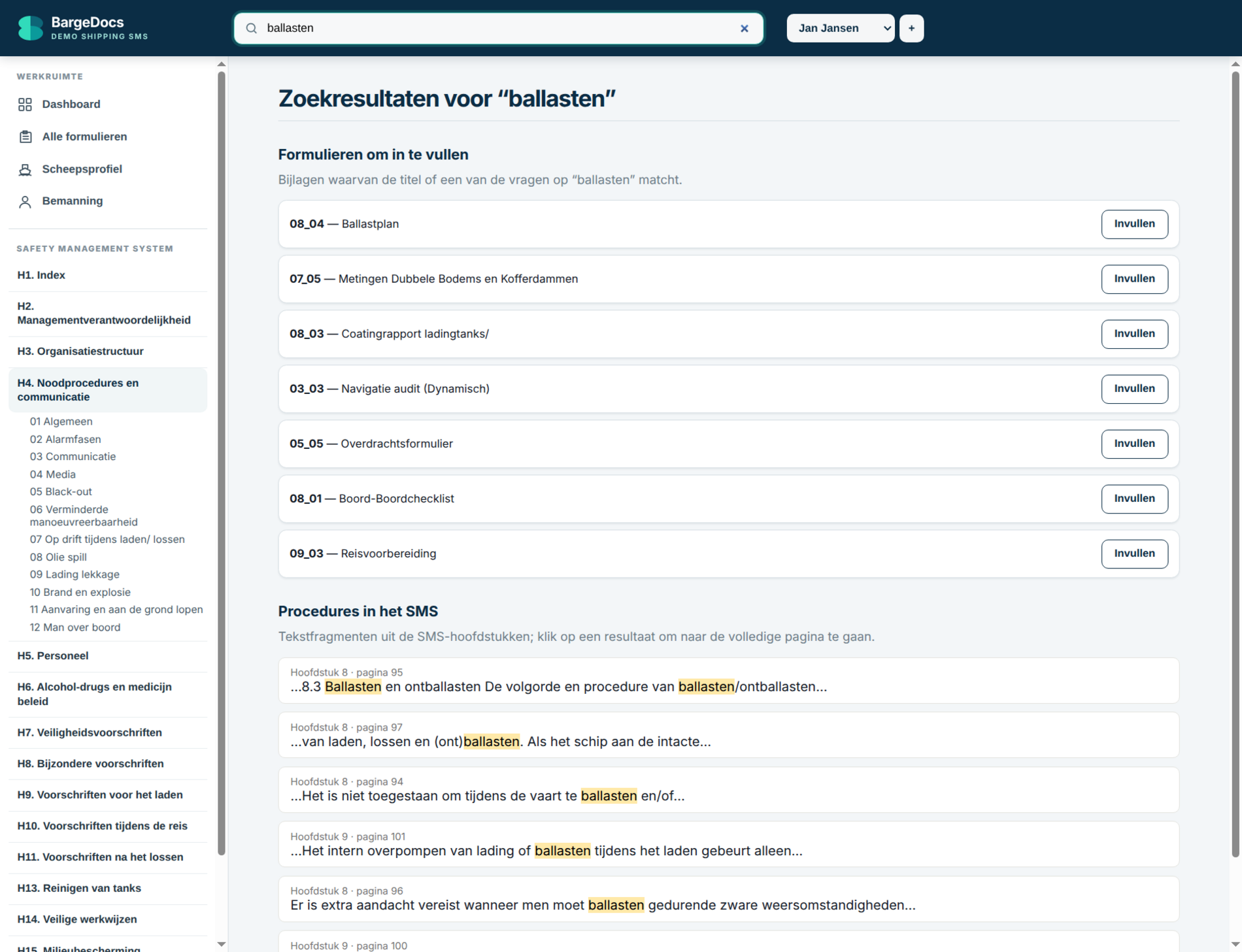
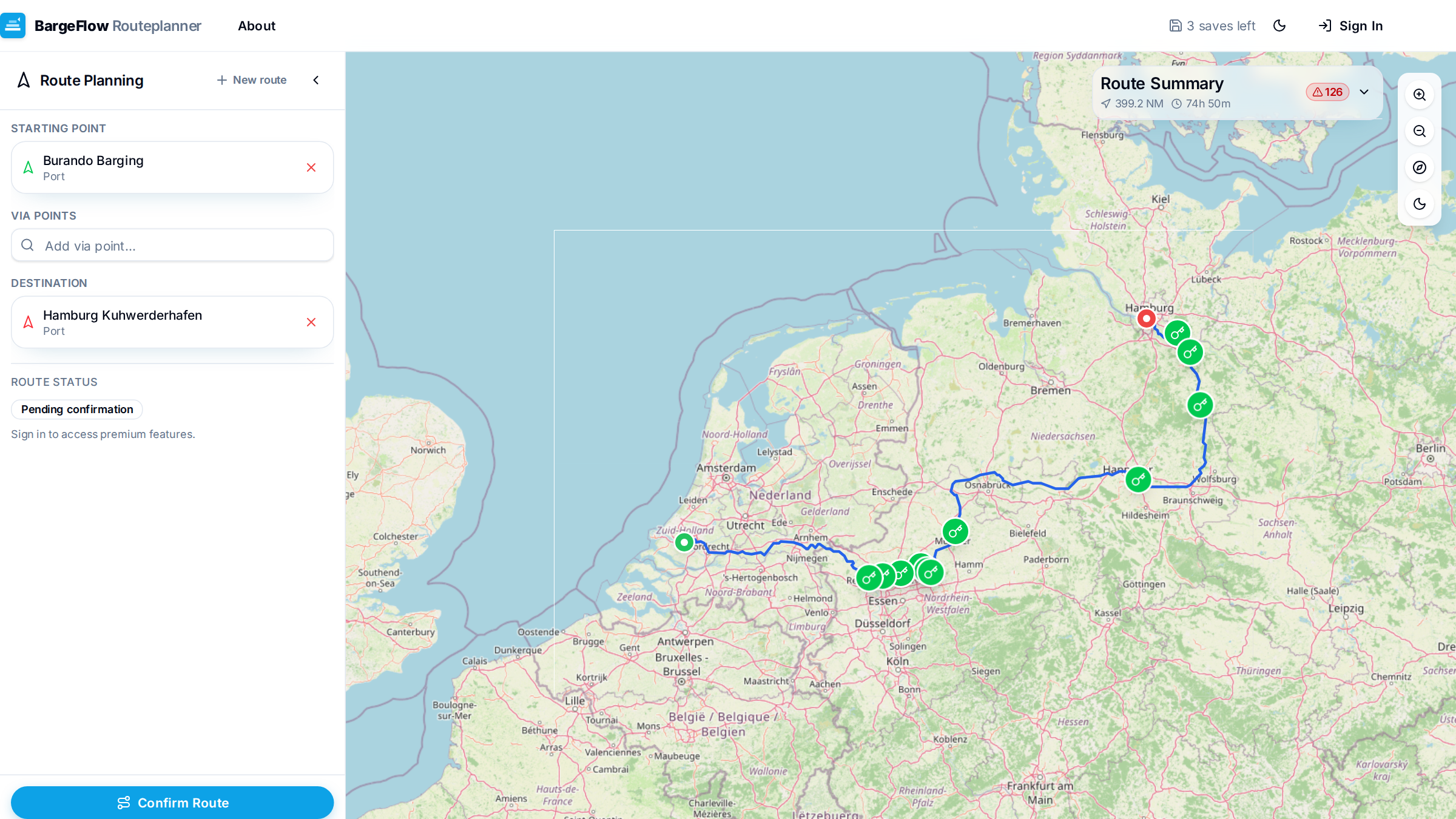
I started solving it myself. First for my own ship, then for the whole fleet. By now that has grown into a series of applications — all from the same principle: built by someone who knows what it's like on board, not by someone who has only read about it.
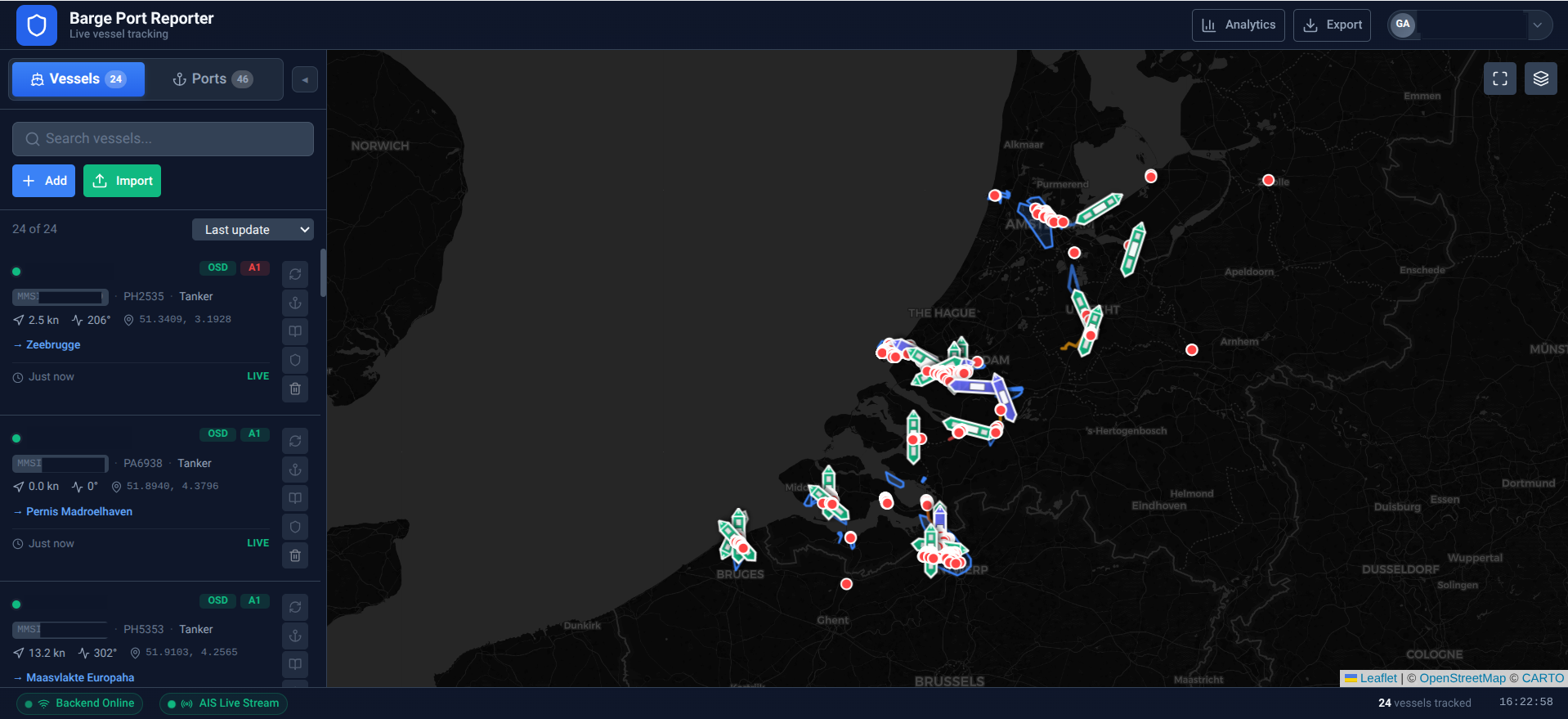
That difference is in the details. The stop detection knows what a shift within a terminal is and doesn't glue it together as a separate port. The compliance engine knows the Dutch working-hours modes A1, A2 and NVT — not as a checkbox, but because I have to live by them myself. The crew check stores no personal data, because that is the only responsible way to handle crew data.
None of these tools is a prototype gathering dust in a drawer. They run — for me, on board, and across the fleet.